


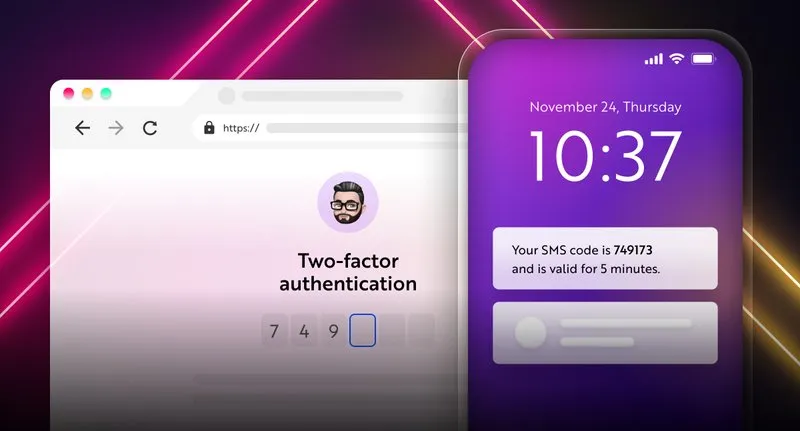
In today’s digital age, keeping your online accounts secure has never been more important. With billions of users worldwide, Facebook remains a prime target for hackers. That’s where Facebook Two Factor Authentication (2FA) comes in—a simple yet powerful way to safeguard your personal and business accounts.
If you’ve ever worried about unauthorized access, phishing attempts, or stolen credentials, this guide will walk you through everything you need to know about setting up and managing Facebook 2FA in 2025.
Facebook introduced 2FA as part of its broader security strategy. Passwords alone are often weak because users tend to reuse them across multiple accounts. Hackers can exploit this through credential stuffing or phishing.
When you enable 2FA, logging in requires two things:
This double-check system makes it far more difficult for attackers to gain access, even if they know your password.
2FA adds another wall between hackers and your personal information.
Even if you accidentally share your password with a fake website, hackers won’t get far without the second authentication factor.
Whether you’re protecting family photos or managing a brand’s Facebook Page, 2FA ensures your data stays private.
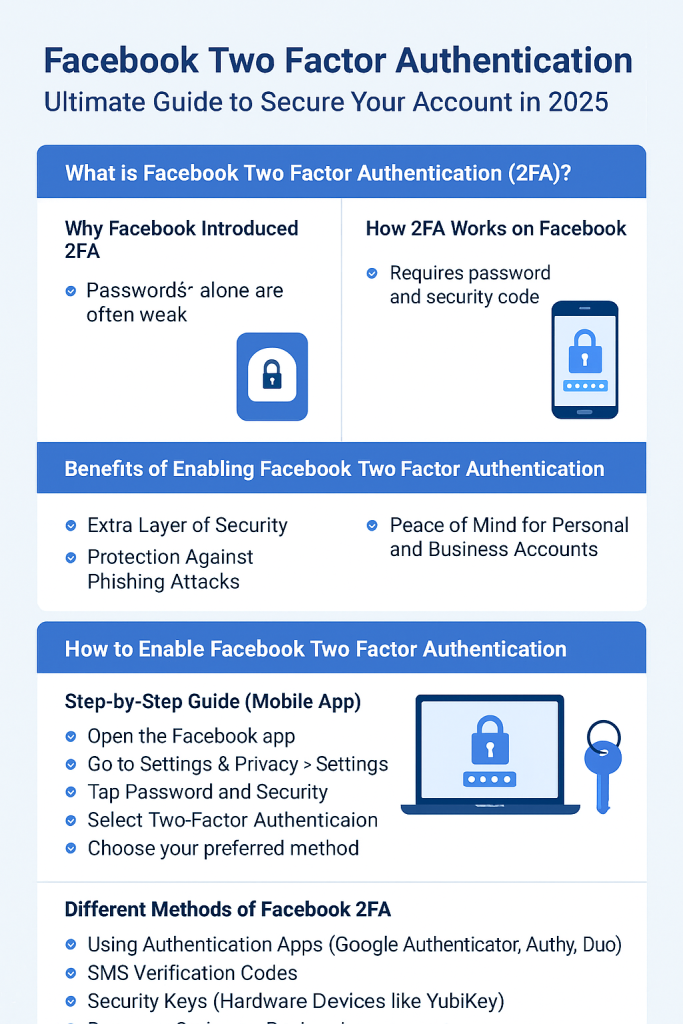
Apps like Google Authenticator, Authy, and Duo generate time-based one-time codes (TOTP) that refresh every 30 seconds.
While common, SMS is considered less secure because of SIM-swapping attacks.
Physical devices like YubiKey or Google Titan Security Key provide the strongest protection.
Facebook provides a set of backup codes in case you lose access to your main authentication method.
Always keep backup codes and set up multiple authentication options.
This may happen due to network issues or outdated phone numbers. Ensure your number is up to date.
If all fails, Facebook has a Recovery process, but it can take days.
For businesses, 2FA is not optional—it’s essential. With multiple admins and financial data linked to Facebook Ads, enabling 2FA prevents unauthorized access and fraudulent campaigns.
Q1: Is Facebook 2FA free?
Yes, enabling 2FA on Facebook is completely free.
Q2: Can I use 2FA without a phone number?
Yes, you can use an authentication app or a physical security key instead.
Q3: What if I lose my phone?
You can log in with backup codes or another authentication method you’ve set up.
Q4: Does Facebook require 2FA for business accounts?
Yes, it’s strongly encouraged, especially for Ads Manager access.
Q5: Is SMS 2FA safe?
It’s better than no protection, but authentication apps or hardware keys are more secure.
Q6: Can hackers bypass Facebook 2FA?
It’s rare but possible through advanced phishing or SIM-swapping. That’s why using an authenticator app or security key is best.
In 2025, Facebook Two Factor Authentication isn’t just a feature—it’s a necessity. With cyberattacks becoming more sophisticated, taking a few minutes to enable 2FA can save you from weeks of stress recovering a hacked account. Whether you use it for personal or business purposes, make sure to enable, maintain, and update your 2FA settings regularly.
🔗 For more on online safety, check out Facebook’s official security guide.


Leave A Reply Now